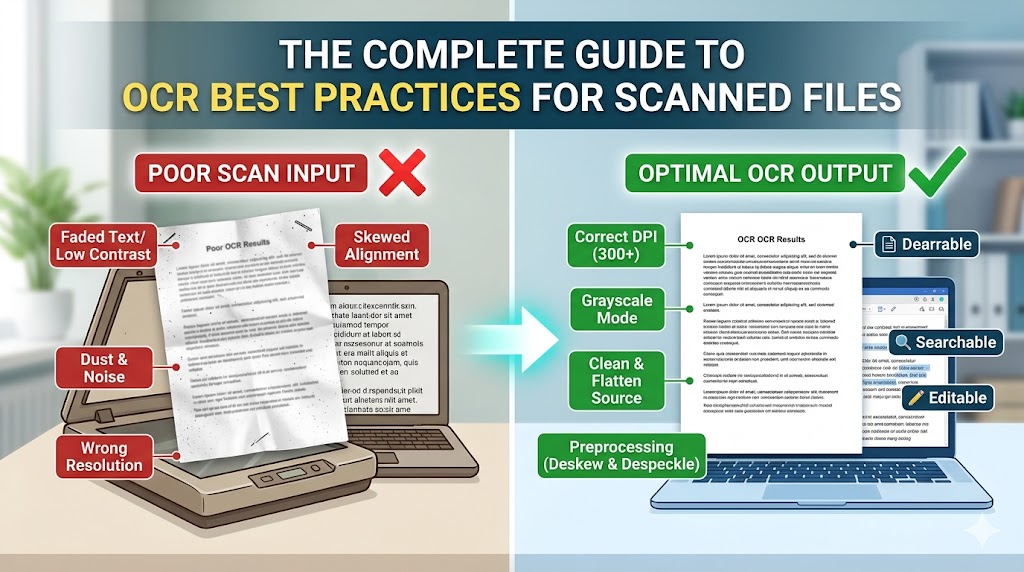
Unlocking high-quality text extraction from low-resolution or handwritten scans is one of the biggest challenges in modern workflows. In this complete guide, we layout the technical essentials to guarantee excellent results.
### 1. DPI and Image Quality
Always aim for at least 300 DPI when scanning documents. Lower DPI values result in pixelated character outlines, which cause critical errors during character recognition.
### 2. Contrast and Binarization
Converting color or grayscale scans to high-contrast monochrome (black and white) makes character outlines significantly sharper. Applying adaptive thresholding algorithms can dramatically improve Tesseract's final text output.
### 3. Structural Analysis
Handling complex page columns and mixed layouts is simple when using modern semantic parsing. By leveraging deep learning, we can identify page components (tables, headers, footnotes) and process them in their correct reading order.
Guides & Tutorials
Published
May 17, 2026
The Complete Guide to OCR Best Practices for Scanned Files
Admin User
DocuSense AI Editorial Team